Gain and ceiling
Raise the input, set the output ceiling and watch gain reduction.
True-peak limiting and loudness
Set the level and keep true peaks under the ceiling.
Set your true-peak limit, raise the level and watch loudness. Compare at matched levels to hear what the limiting changes.
Windows & Mac · VST3 / AU / standalone
Made forMaster channelsPeak controlFinal level
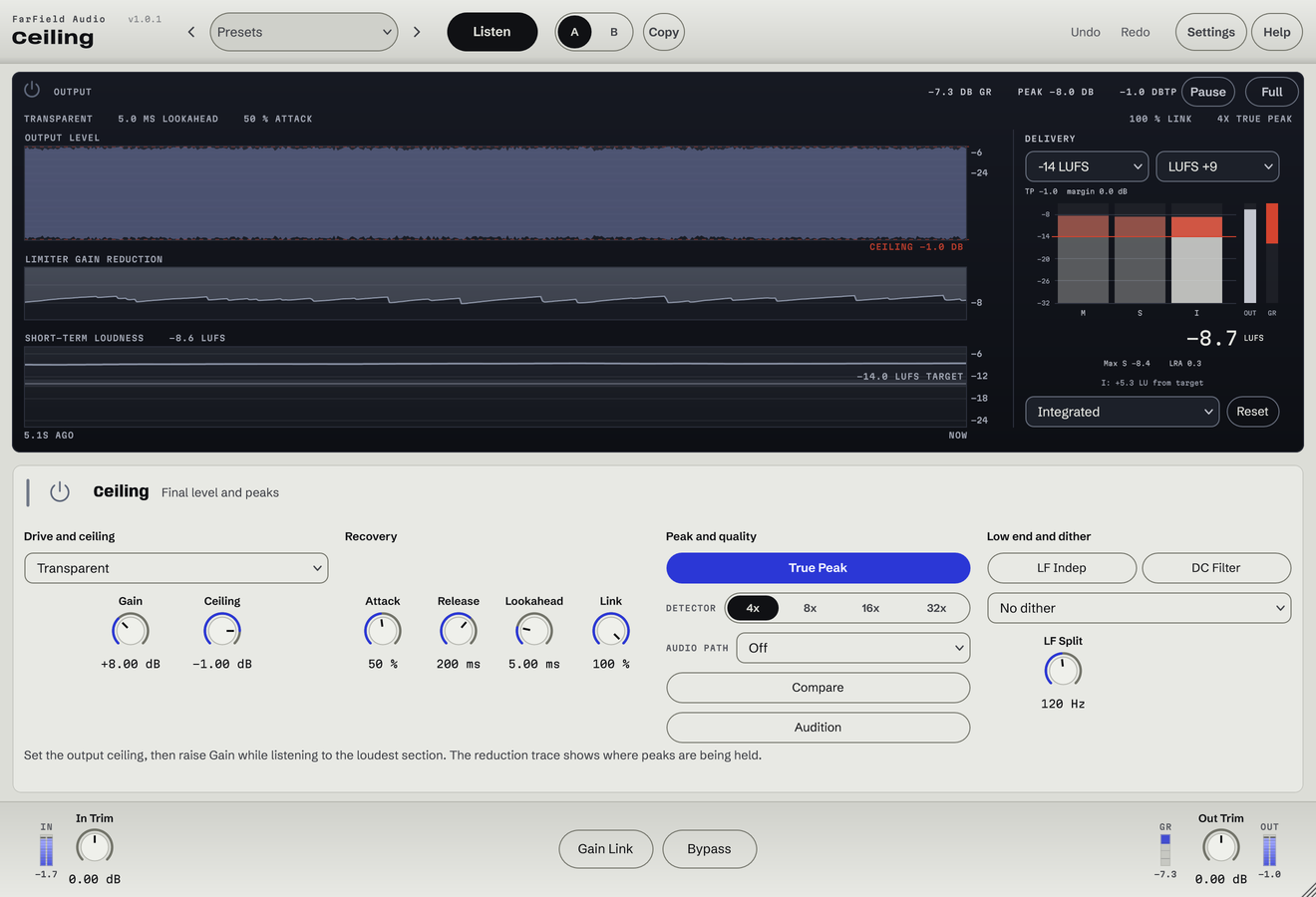
What you can do
Raise the input, set the output ceiling and watch gain reduction.
True-peak detection and oversampling catch peaks between samples.
Choose Style, Attack, Release and Lookahead to suit the track.
Control low-frequency limiting with an adjustable split point.
Use Compare and Audition to hear the limiting at matched loudness.
Set dither and the DC filter for your output file.
Before / after
Compare Ceiling with the original. Turn on level matching to compare tone alone.
Louder and denser, with the true peaks held below the ceiling.
Only Ceiling is processing: Ceiling, running as its own plug-in, with its factory preset "Loud", on a Splice sample. Both versions keep their real level, because raising it is the point; use Match listening levels to compare at equal loudness. No other processing is added.
A first pass
Choose the peak ceiling and switch on true peak for the format you're delivering.
Push slowly. Stop when the groove, the transients or the tone start changing more than you want.
Read the loudness and gain reduction, audition at matched level, and check the exported file itself.
Questions
Yes. The example plays the actual output level by default. Switch on Match listening levels to remove the volume advantage and compare tone, transients and density.
No. Arrangement, transients and where the song is going all change the answer. Use the meters and your ears together.
Windows 10 and 11 (64-bit), and macOS 10.15 or later on Apple silicon and Intel. Both have VST3 for your DAW and a standalone application, and the Mac installer adds Audio Units. One purchase covers both platforms: download whichever installer you need from your account.
Updates are free for as long as we make them. Sign in at your account with the email address you bought with and download the current version. Installing it replaces the plug-in in place, so your presets and existing projects are untouched.
Yes. Every module has a before-and-after example on its page. If you buy and it isn't for you, email us within thirty days for a full refund, no questions asked. See terms and refunds.
One tool, or all twelve
Regular US$20. Or get it with Master Rack and the other eleven modules for an introductory US$50 (regular US$79).