Width by frequency
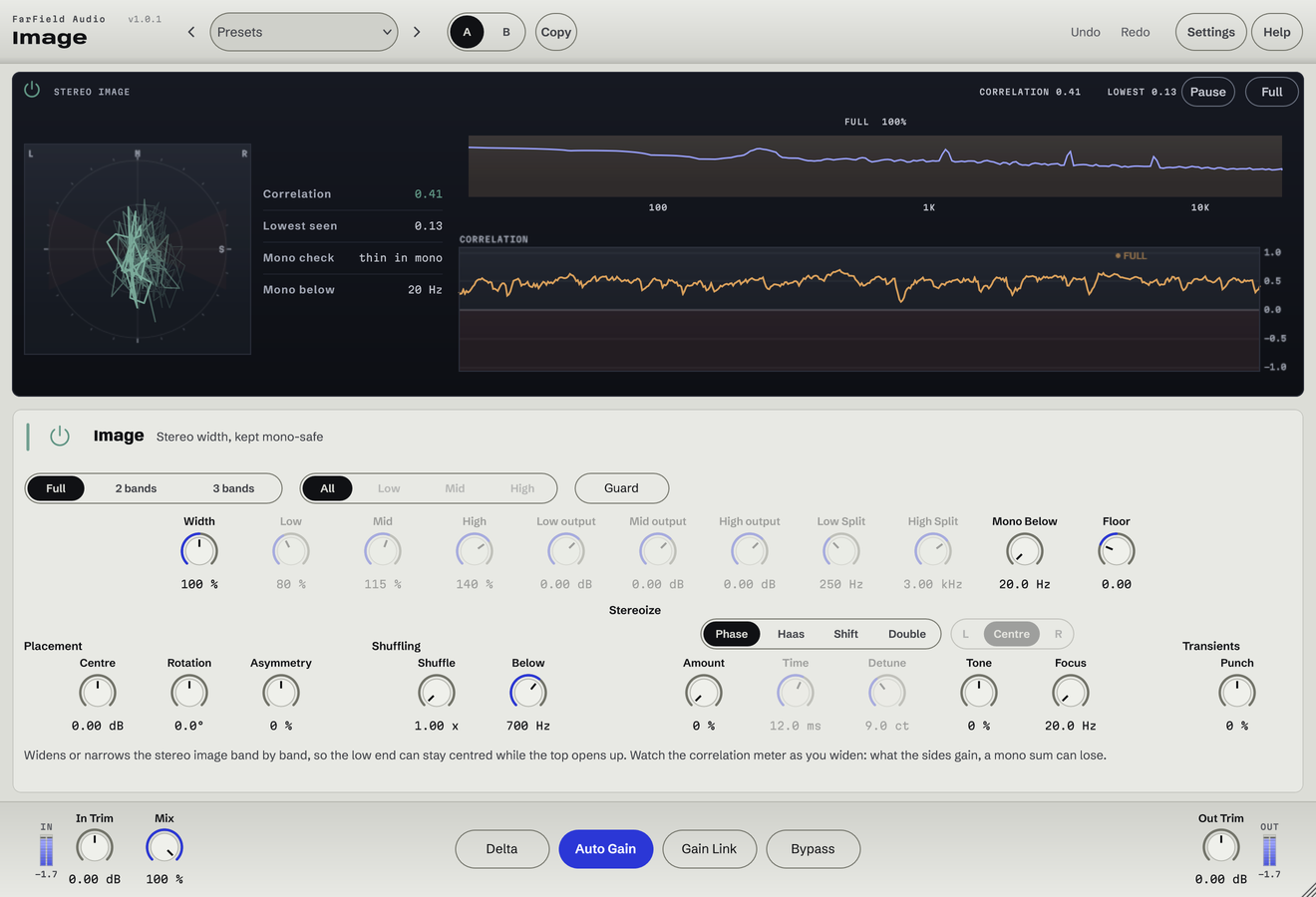
Narrow each band or use Stereoize to widen centred material.
Multiband stereo width
Width where you want it. Mono where you need it.
Give lows, mids and highs their own width. Keep bass centred and check mono compatibility as you go.
Windows & Mac · VST3 / AU / standalone
Made forWide vocal layersA centred low endStereo mix refinement
What you can do
Narrow each band or use Stereoize to widen centred material.
Choose where the low, mid and high bands meet.
Mono Below centres everything under your chosen frequency.
Check the whole signal and each band for mono compatibility.
The correlation guard holds width back when a band starts to cancel.
Check at the same level, then listen on one speaker.
Before / after
Compare Image with the original. Listening levels are matched.
A second and third take appear either side of the original.
Only Image is processing: Image, running as its own plug-in, with its factory preset "Double Track", on a Splice sample. Both versions are loudness matched with a constant gain, so the change cannot win by being louder. No other processing is added.
A first pass
Split the source into useful low, mid and high regions.
Widen where it helps and centre the low end where the track needs a solid foundation.
Listen on headphones and in mono while watching correlation. Keep the width that survives.
Questions
Yes. Headphones make the change in the vocal's spread easy to hear. A mono phone speaker can't play the difference at all.
No. Watch the correlation readout and listen in mono on your own material.
Windows 10 and 11 (64-bit), and macOS 10.15 or later on Apple silicon and Intel. Both have VST3 for your DAW and a standalone application, and the Mac installer adds Audio Units. One purchase covers both platforms: download whichever installer you need from your account.
Updates are free for as long as we make them. Sign in at your account with the email address you bought with and download the current version. Installing it replaces the plug-in in place, so your presets and existing projects are untouched.
Yes. Every module has a before-and-after example on its page. If you buy and it isn't for you, email us within thirty days for a full refund, no questions asked. See terms and refunds.
One tool, or all twelve
Regular US$20. Or get it with Master Rack and the other eleven modules for an introductory US$50 (regular US$79).